
Available on the App Store
Little Timer
One-tap timers for cooking, focus and everyday routines.
Start your usual timers with a tap, run several at once and see what’s finishing next. Keep a readable clock nearby, or switch to alarms, a stopwatch or a metronome when you need them.

What you can do
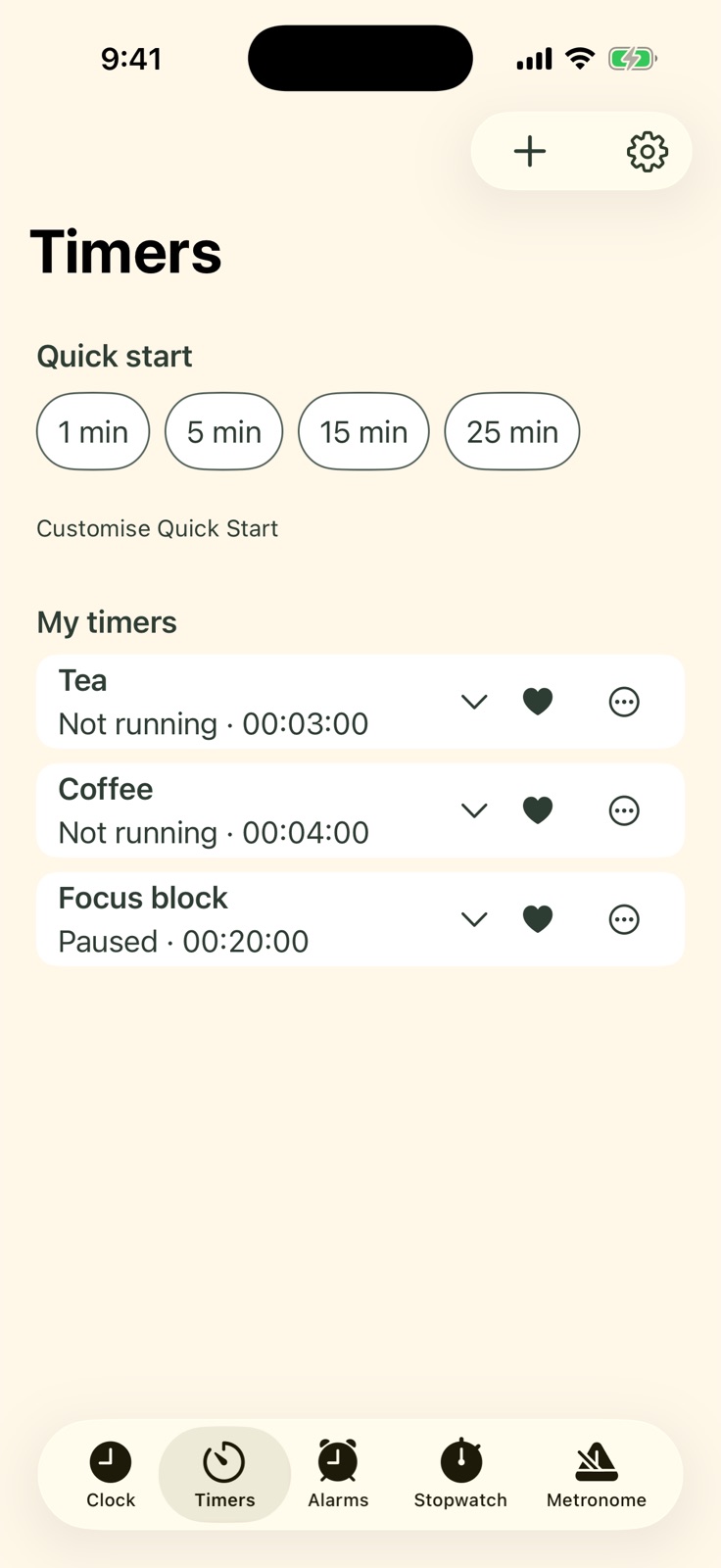
- Save repeat timers and step-by-step sequences
- Run multiple countdowns and see them from the clock
- Use alarms, a stopwatch or a metronome
Little Timer help and tutorials
Clock and rhythm
Keep time your way
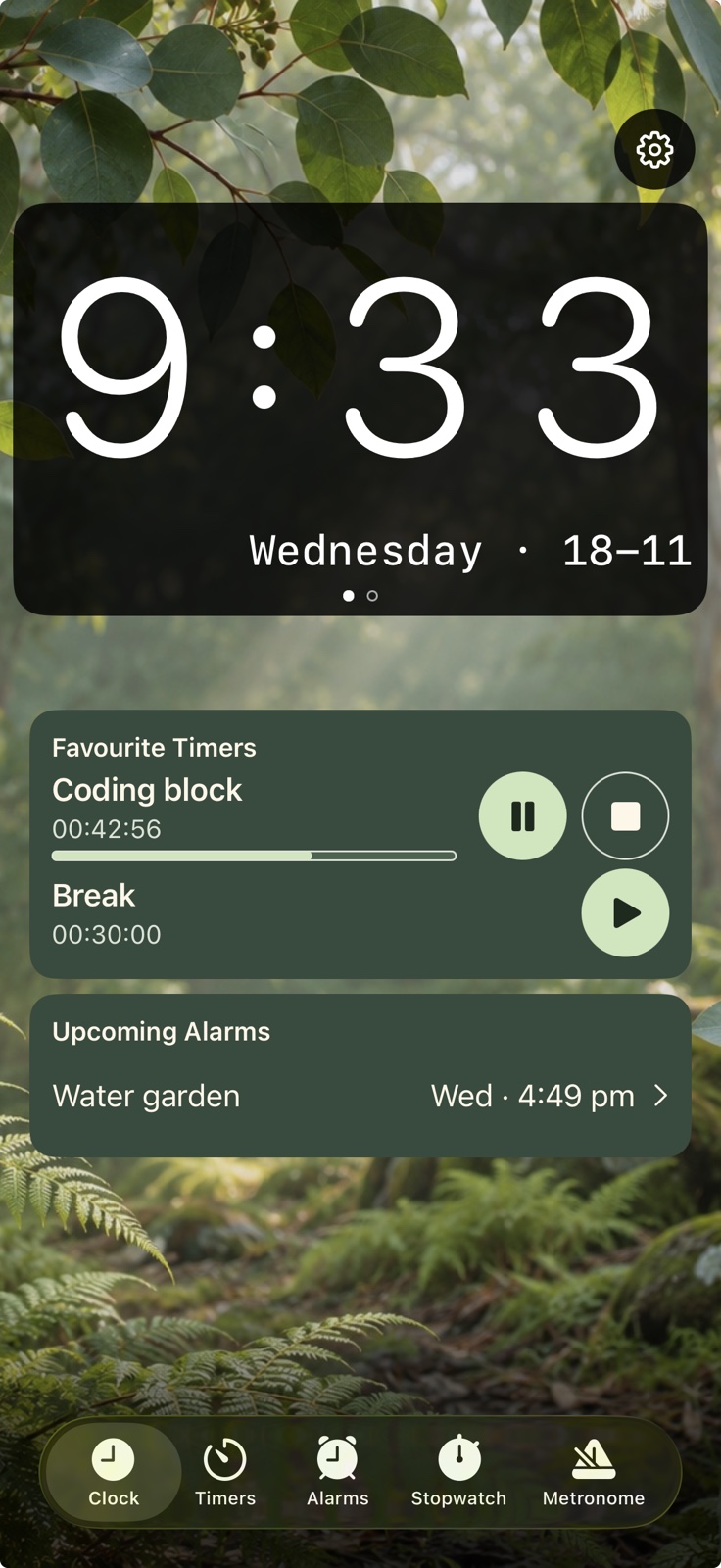
Choose a wallpaper for your Clock dashboard and keep favourite timers and upcoming alarms in view. Turn your device sideways for a simpler, larger clock display.
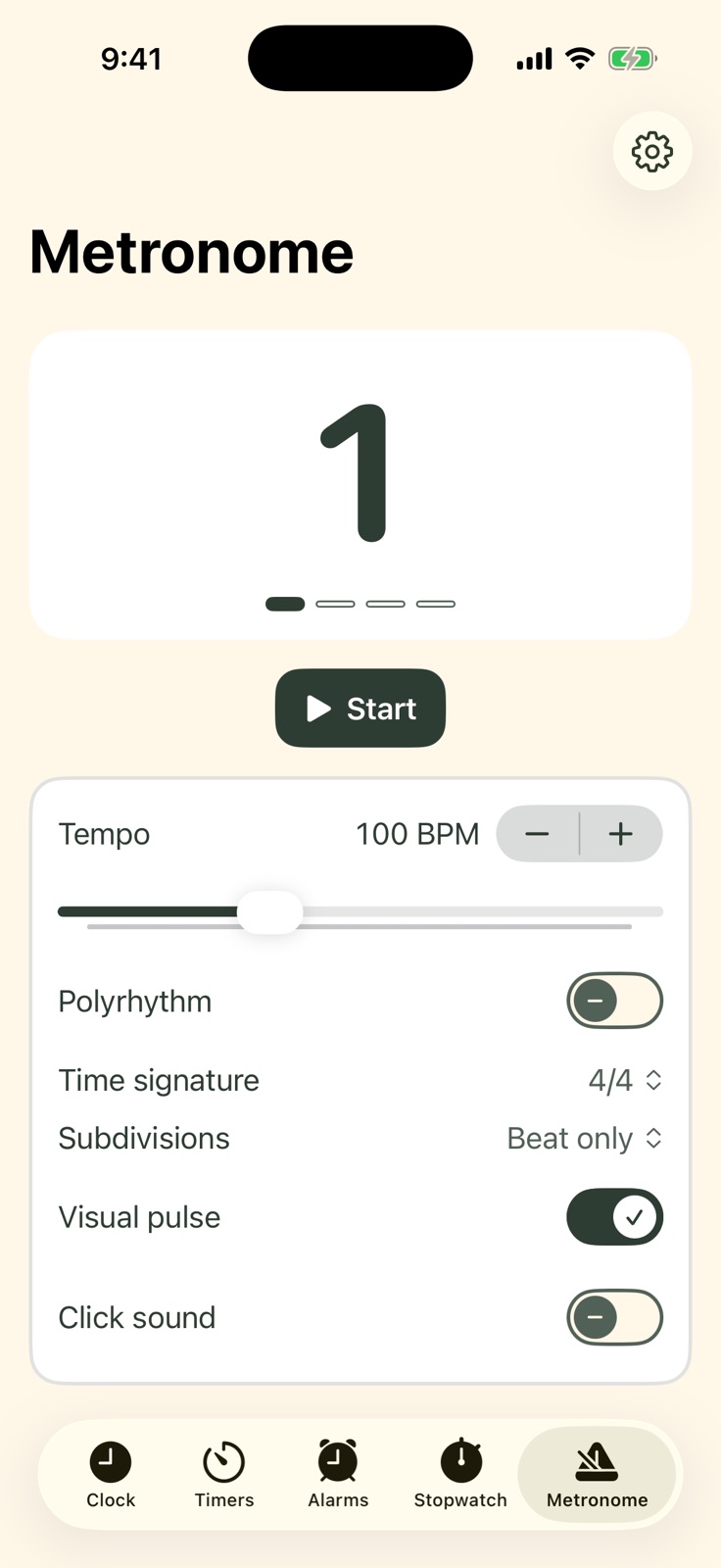
Set the tempo, time signature and subdivisions, and turn on an accented click. Use the separate stopwatch when you need to count up.
On supported iPhone and iPad models running iOS or iPadOS 26 or later, native alarms use Apple’s AlarmKit with permission. Earlier versions offer notification reminders.
Home Screen widgets
Keep time and tempo in sight
- Metronome (Small). See the current tempo in BPM and start or stop the metronome right from your Home Screen.
- Clock Dashboard (Large). See the time, active timers and upcoming alarms together. Tap to open Little Timer.
Small Metronome
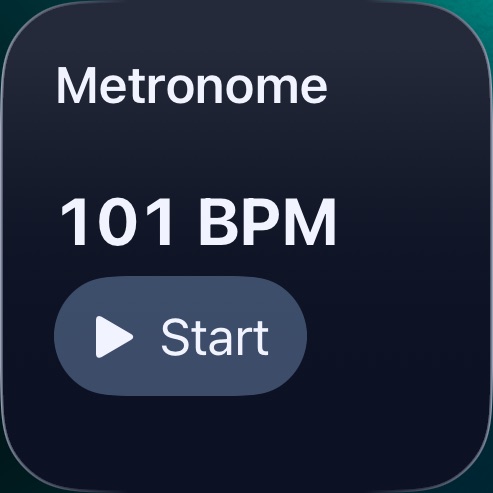
See your tempo and start or stop playback from the Home Screen.
Large Clock Dashboard
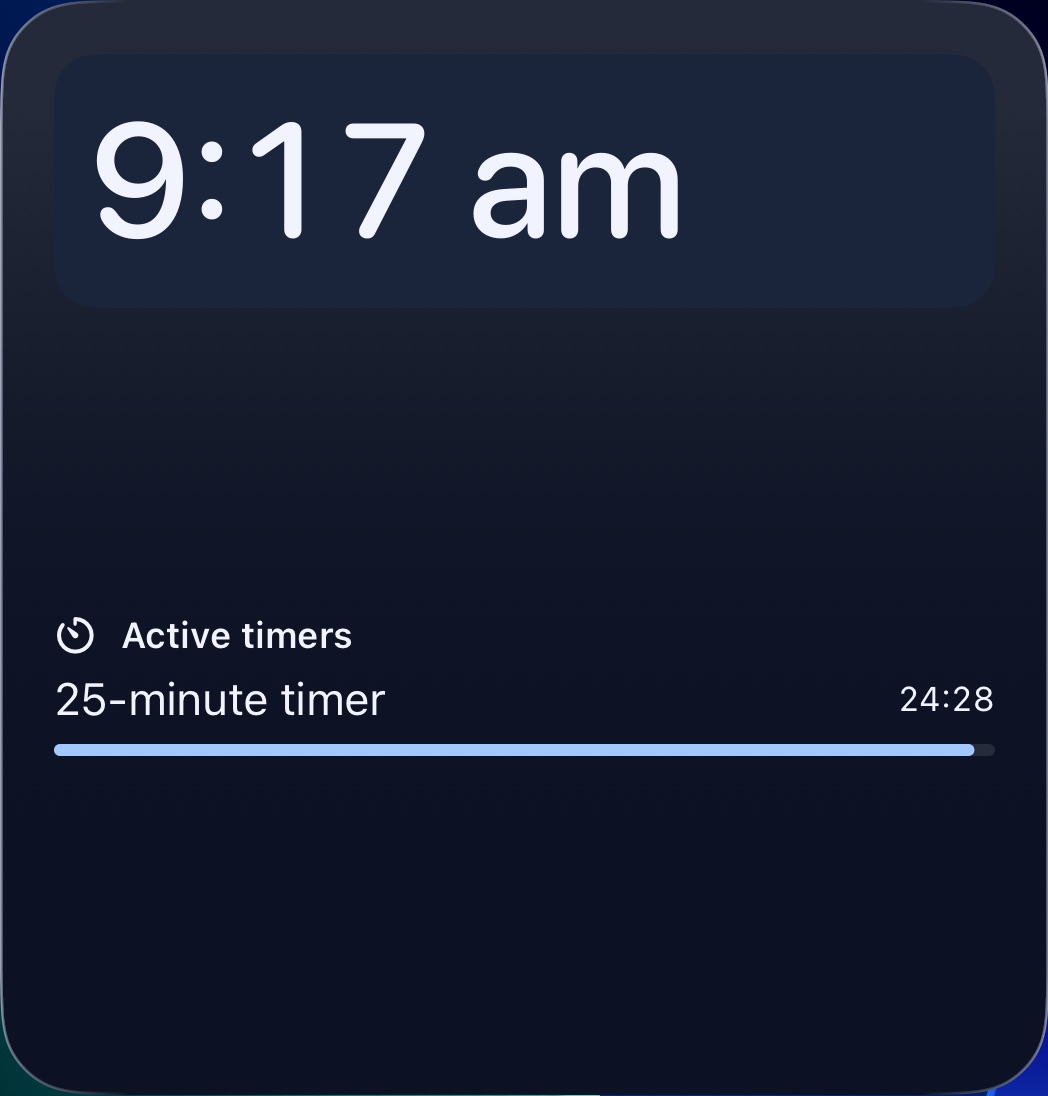
Keep the time and running countdowns in view. Upcoming alarms appear here when scheduled.
Try it on your iPhone
Free to download. Optional Plus extras.
Learn to Use Little Timer
Explore Little Timer in this narrated iPhone walkthrough: clock styles and backgrounds, countdowns, saved timers, favourites, widgets, alarms, stopwatch and metronome. Recorded on iPhone; some demonstrated options require Plus.
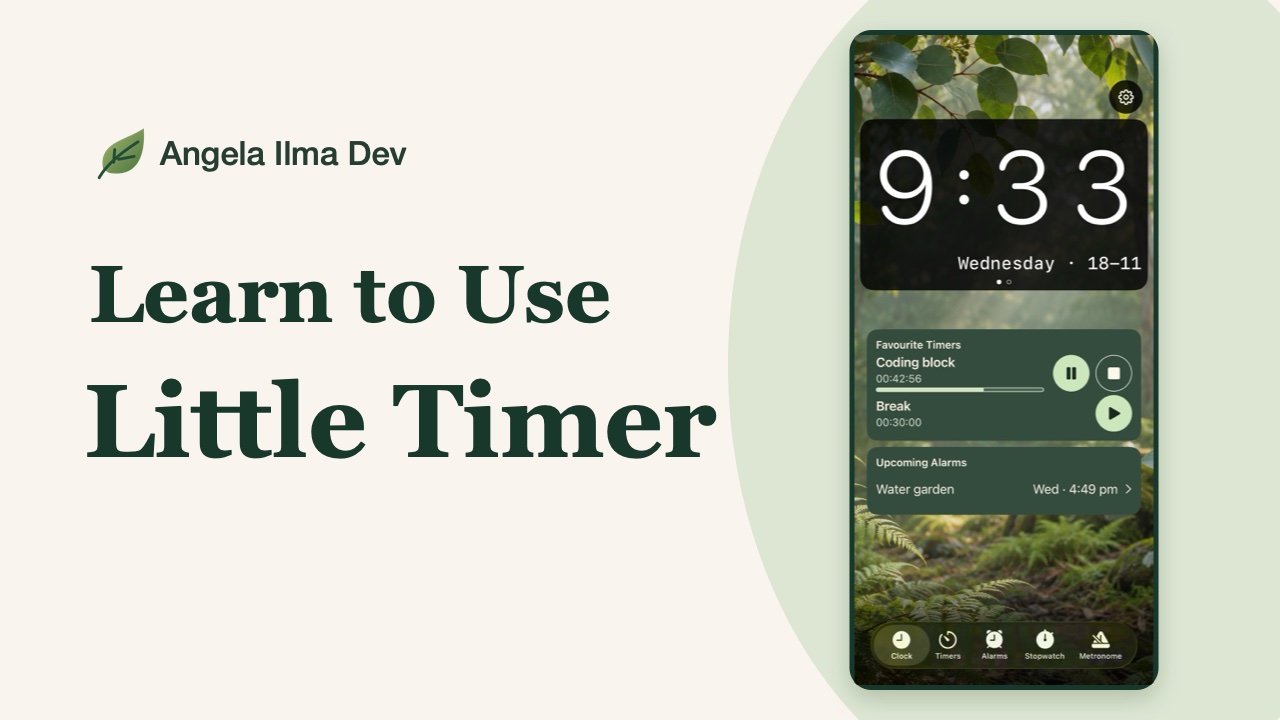
Tap a chapter to watch it here.
Clock and getting started
Timers and favourites
Widgets and alarms
Stopwatch, metronome and Plus
Make it yours
Explore six colour themes in Light and Dark. Choose a clock face, wallpaper and sound to suit the room or the task.
Little Timer, your way.
Start with the essentials. Unlock more whenever you’re ready.
Little Timer
Free to download
- Up to three saved timers and five saved alarms
- Unlimited basic countdowns and an in-app stopwatch
- Standard metronome with optional click
- Modern Digital and Retro LED clock faces
- Botanical and Monochrome themes, with a selection of wallpapers and sounds
Little Timer Plus
Optional one-time purchase. No subscription.
- Unlimited saved timers and alarms
- Multi-set timers and custom Quick Start buttons
- More clock faces, wallpapers and sounds
- Polyrhythms and visual pulse for the metronome
- All six colour themes, including Coastal, Midnight, Neon and Rose
Pricing is shown in your local App Store.
Get Little Timer
Free to download. Optional Plus extras.